
To follow on from my Panasonic L10 first impressions article, I took the camera out with me again today on a long walk over the Knock of Crieff. The Autumn colours were out on full display, but as I had a rather excitable 4 month old Labradoodle with me the camera stayed in my jacket pocket for most of the walk. If you are considering getting a compact camera, I will be covering the Panasonic L10 in detail here over the coming months as I shoot it here in Scotland to see if it can compete with the top compact cameras available. I also have a detailed guide to the best compact camera alternatives to the Panasonic which I’ve also owned and shot with both in South East Asia and here in Scotland.
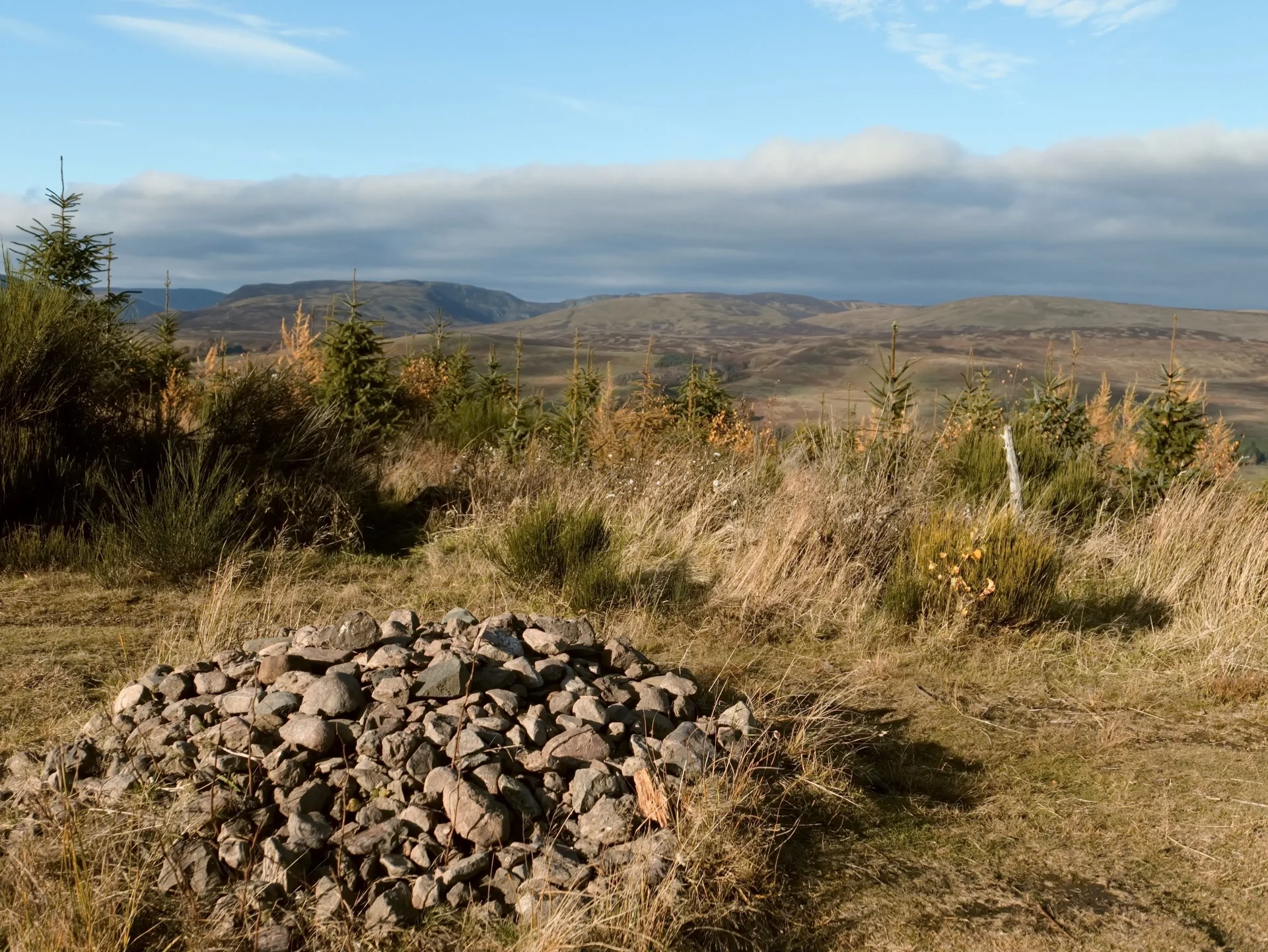
When we got to the top of the knock, I had 5 minutes to take some photos while we stopped for a drink, so I thought it would be useful to shoot the same scene in all of the L10’s colour profiles and also find out exactly when the lens stops down the aperture as you zoom in. Instead of trying to find the exact focal lengths manually, I have now changed one of the settings on the camera to Step Zoom which automatically zooms the lens in fixed stops from 24mm through to 75mm. This makes it much easier and quicker to change focal lengths.
All focal lengths are given in their full frame equivalents. Halve them to get the actual focal lengths in Four Thirds format.

24mm = f/1.7
28mm = f/2
35mm = f/2.3
50mm = f/2.7
70mm = f/2.8
Below are examples taken from the top of the Knock of Crieff cycling through the various colour profiles available on the Panasonic L10. Lighting remained similar throughout the shots which were all taken within a minute or two of each other using auto white balance and shot in aperture priority mode for speed.


I will make some raw files from the Panasonic L10 available on the website here once I have some suitable sample images.