
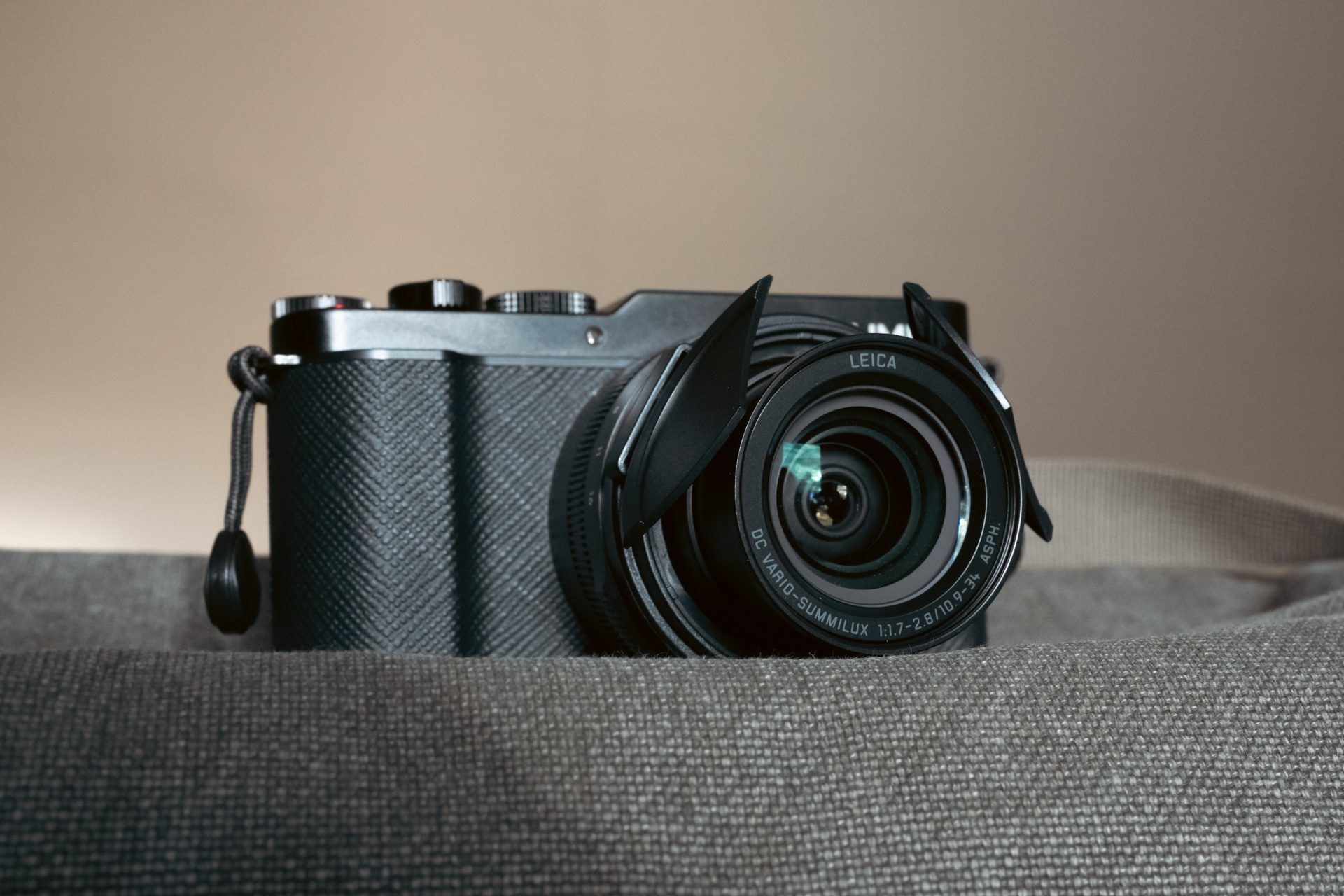
The Panasonic L-10 is a genuinely fun camera to use, but out of the box there are a few frustrations that need to be fixed. Firstly, it’s important to change some of the default settings. I’ve dealt with this in my best settings for the Lumix L10 article. Next, I wanted to improve the handling and make the shooting experience as simple and seamless as possible. That’s where the accessories below take the camera from being decent to really good.
I really don’t think it takes much to perfect the L10, afterall it’s a self contained compact camera with a zoom lens. It’s meant to do everything that you need all in one relatively small package. The most frustrating thing to me is the fiddly lens cap. Not only does it feel like it will come off if the wind changes direction, but if like me, you constantly turn the camera on and off as you walk around, and you don’t want the lens exposed to the elements or getting knocked, constantly removing and then replacing that lens cap gets annoying fast.
Some of the links in this guide are affiliate links. If you buy through them, I may (hopefully) earn a small commission at no extra cost to you. I only recommend gear I actually use —and thank you for using the links if you pick anything up, as it genuinely helps me to keep running this website.
JJC Auto Lens Cap

This auto lens cap from JJC is what I bought to solve the problem. It takes starting up the L10 from a two-handed slightly irritating sequence to being just a press of a button. I read some reviews before buying one myself which mentioned that it didn’t fit the L-10. It does. You just have to remove the end ring on the lens and the auto lens cap then slots in to place easily. This is defeinitely my favourite accessory for my L-10.

Once I put it on, the camera suddenly felt effortless to use. In my opinion, you should be able to use a compact camera one-handed and this is the accessory that allows that. It’s probably why they include one with the limited edition L-10. For under $20 this is probably the best value accessory I’ve ever bought. It fits nicely, feels secure , adds virtually no weight and importantly wont come off if you put the camera in your bag or pocket, unlike the rubbish lens cap included with the camera.
Make sure that you get this exact one as I can confirm it fits the L10.
Check Price for JJC Auto Lens CapSmallrig Thumbgrip

While there is a small grip on the front of the Panasonic L10 which is fine for quick use, after a while I found myself wanting just a bit more grip but I didn’t want to add any bulk to the camera. The best option that I found was to add a lightweight Smallrig thumbgrip that attaches easily in to the camera’s hotshoe. I often use Smallrig accessories with my cameras as theyre good quality without being expensive. This one is well made with a very clean metal finish and a small bit of silicone grip where your thumb rests. If you like to carry your camera one-handed then this thumbgrip gives just the right amount of extra purchase to make it comfortable and as I found out when wearing gloves recently, makes the difference between feeling like you have a secure grip on the camera and feeling nervous of it slipping out of your hand. It’s well sculpted to the camera and doesn’t interfere with any of the controls. It makes a big difference to handling for a small amount of money.
This is the exact model I bought for my L10.
Check Price for SmallRig ThumbgripThe two items above are the best two accessories that really improve the Panasonic L10 in terms of handling and shooting. The following items are the essentials. I’m not going to recommend buying spare batteries for the L10 as that’s just not how I shoot it. The camera has really good battery life that can get you through a whole day if you shoot like me, just turning the camera on for shots then turning it off again afterwards.
Extra Power and battery life

However, if you are a heavy user or are out purely to take photos with your camera I think the best way to ensure that you never run out of power is to keep a small powerbank in your bag and simply charge the camera up via USB-C. Thats exactly what I do and it also means that you can charge your phone or other gadgets as well. I use this Anker Nano powerbank with built-in USB-C charging cable as I always seem to either end up losing separate cables or forget to bring them when I need them most. It’s got more than enough power to re-charge the L-10’s battery and have a bit left over to top up your phone too. The great thing about it is that it’s small and pretty lightweight so can be slipped in your pocket or bag easily. I’ve had mine for over 2 years now and it’s still going strong.
Check Price for Anker Nano PowerbankStorage and memory
Sandisk SD card
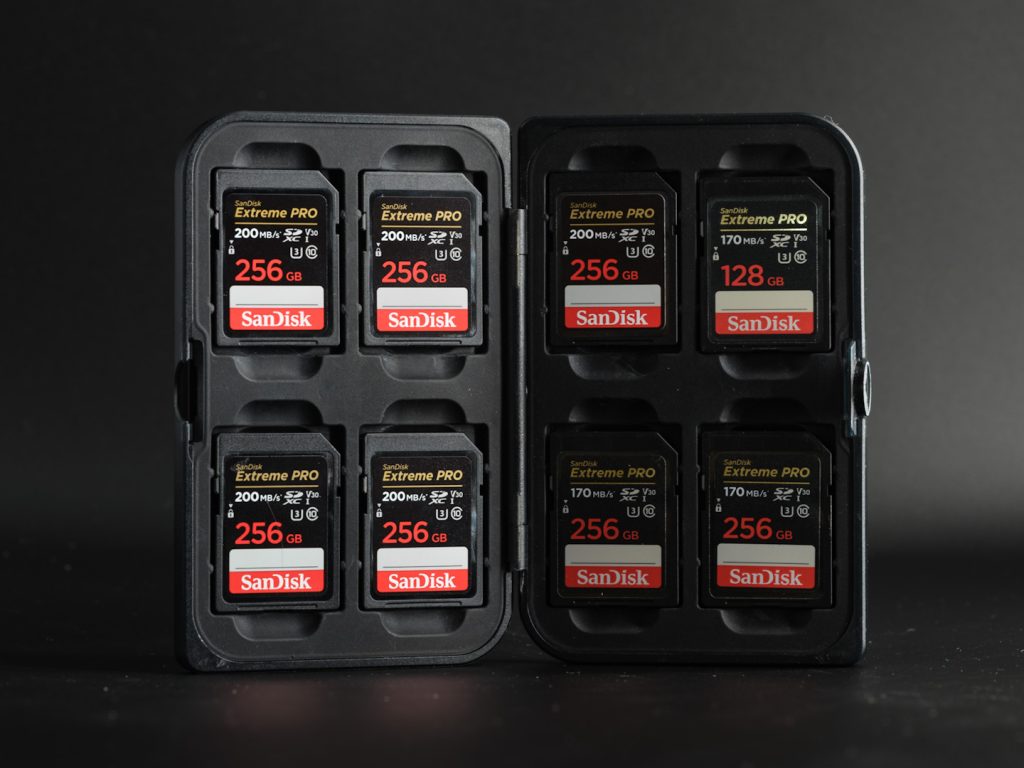
This section is going to be extremely quick as talking about memory cards isn’t exactly exciting, but they are essential. I’ll cut to the chase, buy Sandisk SD cards as they are the most reliable I have used over 20 years of photography. I’ve never had one fail or corrupt on me. I like to use 256gb SD cards as they offer the right combination of enough storage without getting too expensive. For a trip or vacation take two but for everyday use, one 256gb card is more than enough. You can get cheaper cards but I don’t trust them, especially for important photos that you may not be able to take again.
Check Price for SanDisk SD CardsCamera Straps
The Panasonic L-10 actually comes with quite a stylish camera strap but it’s ruined becasue it attaches in the same way as most other straps. The problem is that with a small camera like the L-10, having a strap permanently attached to your camera adds quite a lot of bulk if you want to quickly stash it in your pocket or bag. It also gets in the way when you’re shooting at different angles.
By far the best camera straps I’ve ever used are from peak Design. Thanks to their Anchor system, you attach small lugs on to your camera and then the actual strap just clicks in to those. The great thing about this is that your camera is always ready to accept the strap but it’s quick and easy to remove it when you want to. I leave peak Design Anchors on all my cameras and then just swap straps between them according to what I’m going to shoot with that day.
These are the two most suited straps for the Panasonic L-10.

The Peak Design Cuff – This is a wrist strap for minimalists who want to hold the camera one-handed but ensure that its secure. The strap is really well made of material that isn’t irritating or uncomfortable and the loop cinches down easily to provide a secure attachment to your wrist. My daughter Sofia bought me one for Christmas in 2025 and I still smile everytime I use it, as it’s one of the best gifts I’ve ever been given.
Check Price for Peak Design Cuff
Peak Design Leash – If you want a more traditional camera strap to carry the camera around your neck, over your shoulder or slung around your back (am I the only person who finds this the most comfortable way to wear a camera strap?) then the Peak Design Leash is the one that you want. It is perfectly sized for the Panasonic L-10 but actually capable of carrying much larger cameras too ( I use it with my Nikon Zf too). The finish is excellent, its available in different colours and it doesn’t bunch up and get in the way when you bring the camera up to shoot.
Both of the Peak design straps use the same anchor system too which means you can hot swap them whenever you feel like it.
Check Price for Peak Design LeashThose are the only accessories that you really need to make the Panasonic L-10 a fantastic compact camera. You can of course add a screen protector if you wish although I don’t as the screen turns inwards which offers enough protection for my use. I’ve always used Expert Shield screen protectors and they work well.
I personally don’t have a bag small enough for the Panasonic L-10 so I don’t use one and tend to either put it in my pocket or whatever bag I’m using at the time. If I decide to buy a bag specifically for the L-10 in the future I will add my recommendation to this article.
Don’t forget that I have made my settings file for the Panasonic L-10 available to download for free. This will help you to get the camera setup and ready for shooting with my own custom settings that remove some of the weird default options and controls.
If you are still considering which camera to buy then I have a thorough comparison in my best compact cameras roundup.